
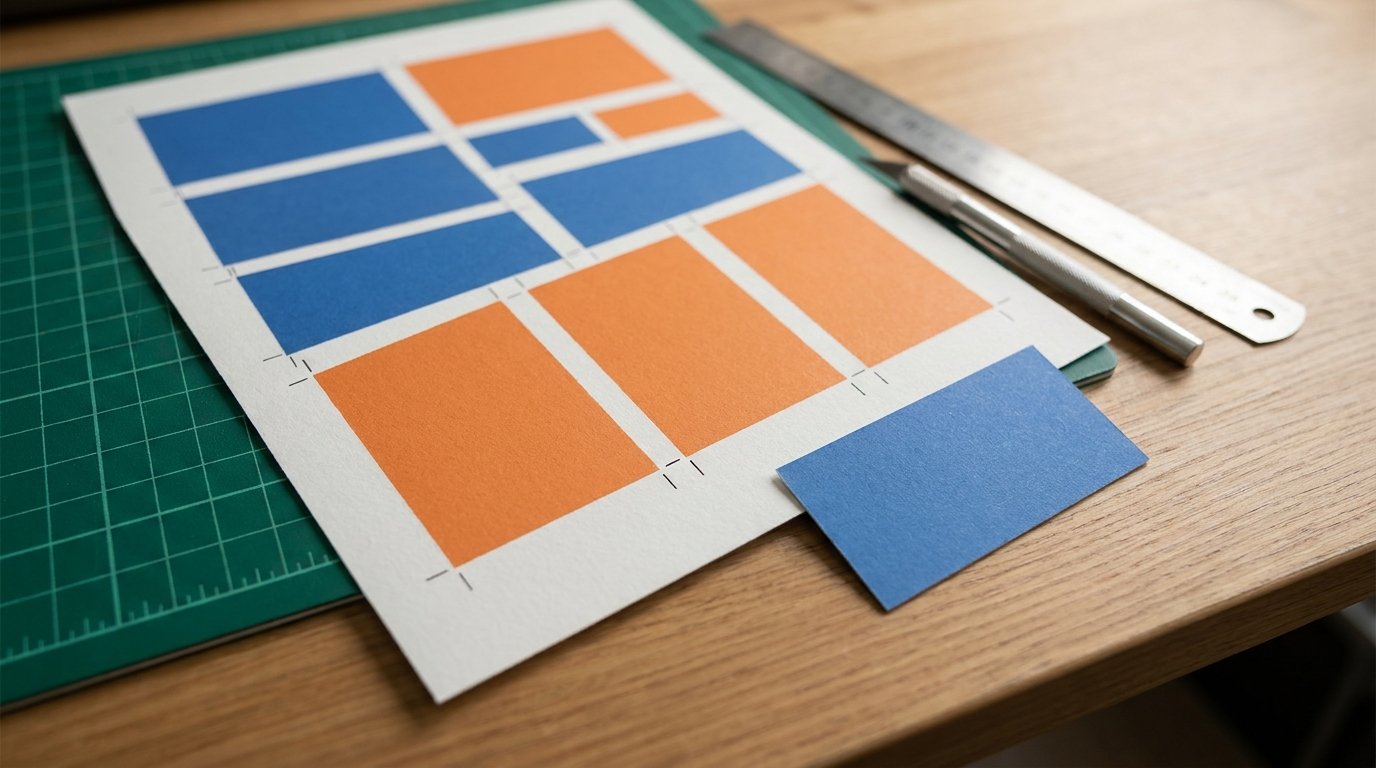
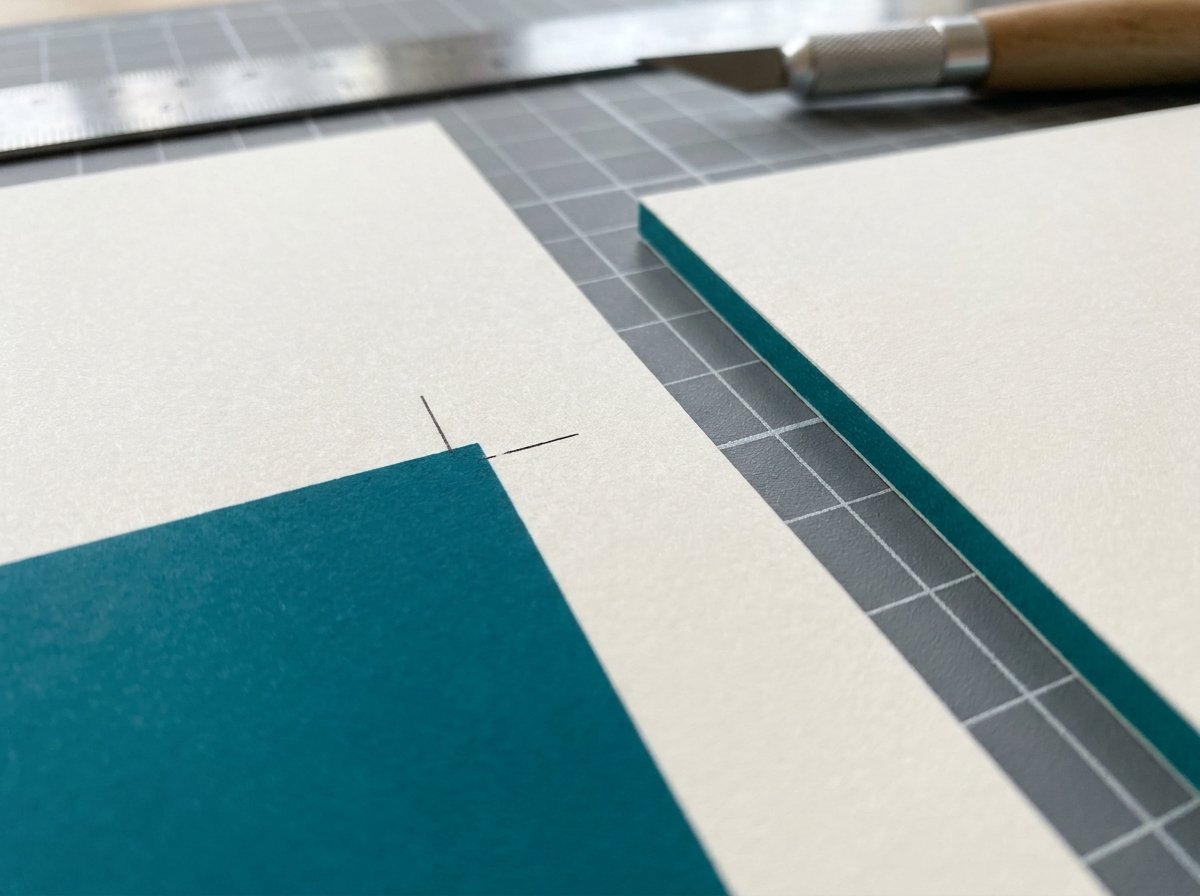
Bleed is extra background artwork that runs 3mm past each trimmed edge. Printed sheets are cut after printing, and the blade can move very slightly, so bleed stops a thin white line showing at the edge. Keep text and logos at least 3mm inside the trim line, which is the safe zone.
Almost every printed job is printed on a bigger sheet and then cut down to size. Bleed is what makes that cut look clean. Here is how much to add, what sizes your file should be, and how to export a PDF we can print straight away. Our business cards are a good example: a 85 x 55 mm card is set up as a 91 x 61 mm file.
How much bleed do printers need?
3mm on every edge. Any colour, photo or background that touches the edge of the finished piece should carry on 3mm past it. Then keep anything important, such as text, logos and phone numbers, at least 3mm inside the finished edge. 5mm is safer for small text near an edge.
What size should my file be?
| Item | Finished size (mm) | File size with bleed (mm) |
|---|---|---|
| Business card | 85 x 55 | 91 x 61 |
| A6 flyer | 105 x 148 | 111 x 154 |
| A5 flyer | 148 x 210 | 154 x 216 |
| DL flyer | 99 x 210 | 105 x 216 |
| A4 flyer or letterhead | 210 x 297 | 216 x 303 |
What else makes a PDF print-ready?
- CMYK colour. Screens use RGB. Printing uses CMYK, so convert first, or bright blues and greens may print duller than you expect.
- Image resolution. 300dpi at the printed size for business cards, flyers and other small print. For large format, such as roller banners and A0 posters, 150dpi at full size is enough.
- Fonts. Embed them in the PDF or turn them into outlines, so the text does not change on our side.
- One file. Send one PDF with the pages in order, front first.
How do I set up a folded item?
Supply the flat, open size, not the folded size. A folded business card that closes to 85 x 55 mm is 170 x 55 mm flat, plus bleed. Mark the fold lines on a separate layer or tell us where they go.
How do I export a PDF with bleed?
- InDesign or Illustrator: set 3mm bleed in the document settings, then export as PDF with "Use document bleed settings" ticked.
- Canva: turn on "Show print bleed", stretch the background to the outer edge, then download as "PDF Print" with "Crop marks and bleed" ticked.
- Word or PowerPoint: these have no proper bleed setting. Send the file anyway and our design team can rebuild it for print.
What happens if my file has no bleed?
Either a thin white sliver can show along one or more edges after cutting, or the artwork has to be enlarged slightly so it fills the page, which can clip text near the edge. We check every file before it is printed and tell you if something needs fixing.
Need help with your artwork?
We check every file at no extra cost. If it needs more than a small fix, or you have no artwork yet, our design team charges £40 an hour. When your file is ready, send it for a quote, or see flyer sizes and stocks.
Frequently asked questions
What happens if my file has no bleed?
A thin white line can show at the edge after cutting, or the artwork has to be enlarged slightly to fill the page. We check every file and tell you before we print.
What resolution should images be for print?
300dpi at the printed size for small print such as business cards and flyers. 150dpi at full size is enough for large format such as roller banners.
Can you fix my artwork for me?
Yes. The artwork check is free. Bigger changes or new designs are done by our design team at £40 an hour.


